Running Pipelines Across Multiple Subjects
This page explains how to run processing pipelines across multiple subjects in parallel on XNAT.
Prerequisites
Before Running Parallel Jobs:
Pipeline Access: Ensure pipelines are enabled for your project (see Enabling Pipelines for Your Project)
Data Preparation: All subjects should have required input data
Step-by-Step Instructions
1. Navigate to Project Level
Navigate to your project in XNAT and look for the pipeline options at the project level.
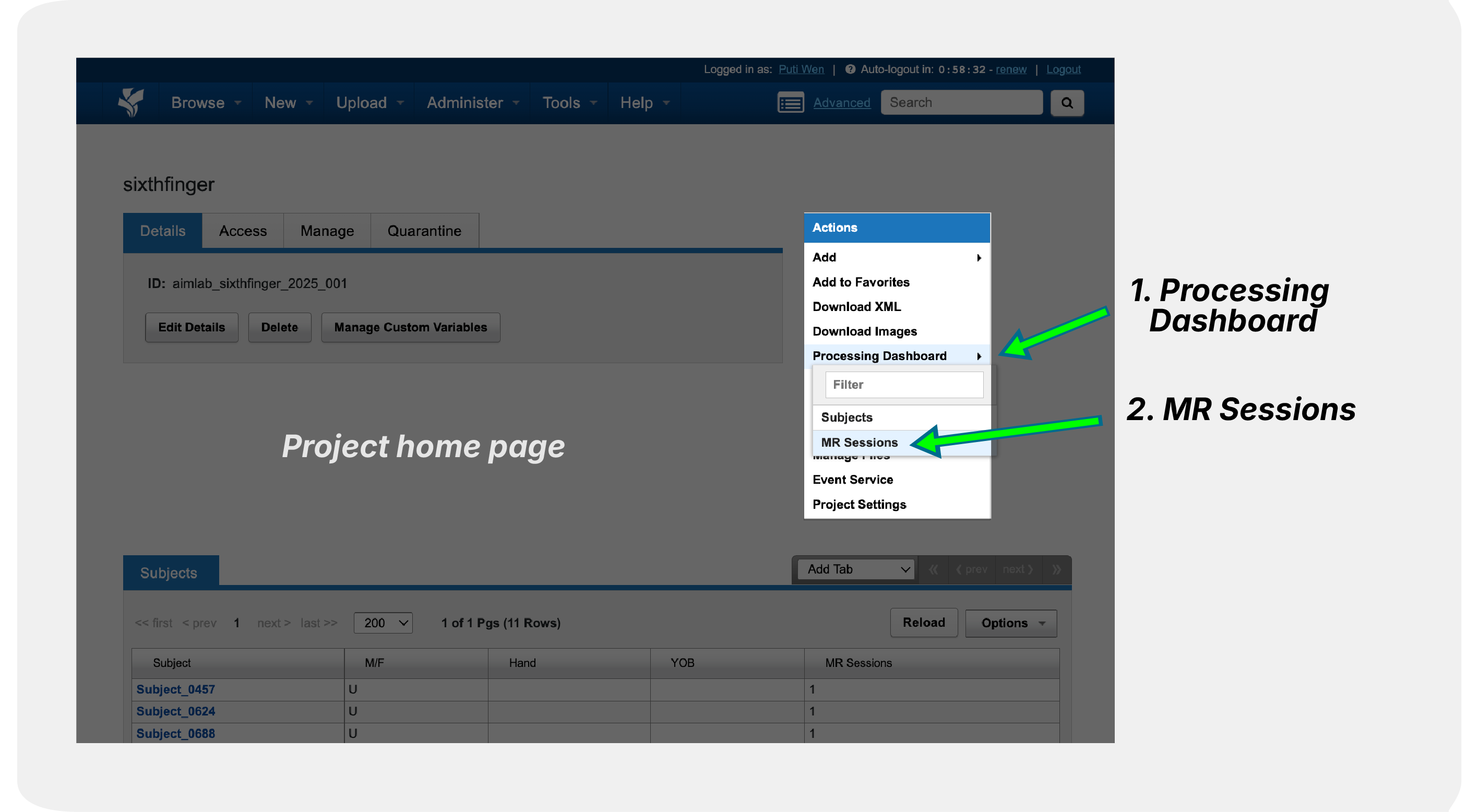
2. Configure Parallel Processing
Select the pipelines and subjects you want to process and launch the pipeline.

Getting Help
For Technical Support: - Contact XNAT support with specific error messages - Provide job logs and configuration details